
athenahealth’s Spring 2026 release delivers a powerful set of enhancements focused on improving patient communication, strengthening data privacy, and streamlining administrative workflows. From smarter messaging and document sharing to AI‑driven fax filtering and expanded confidentiality controls, this release reflects a continued commitment to building technology that supports real-world clinical and operational needs. You can explore the full release over at athena’s Release Workspace but we’ve highlighted below an overview of the most impactful updates and how they help practices work more efficiently while elevating the patient experience.
Streamlined Patient Messaging With Provider Attachments
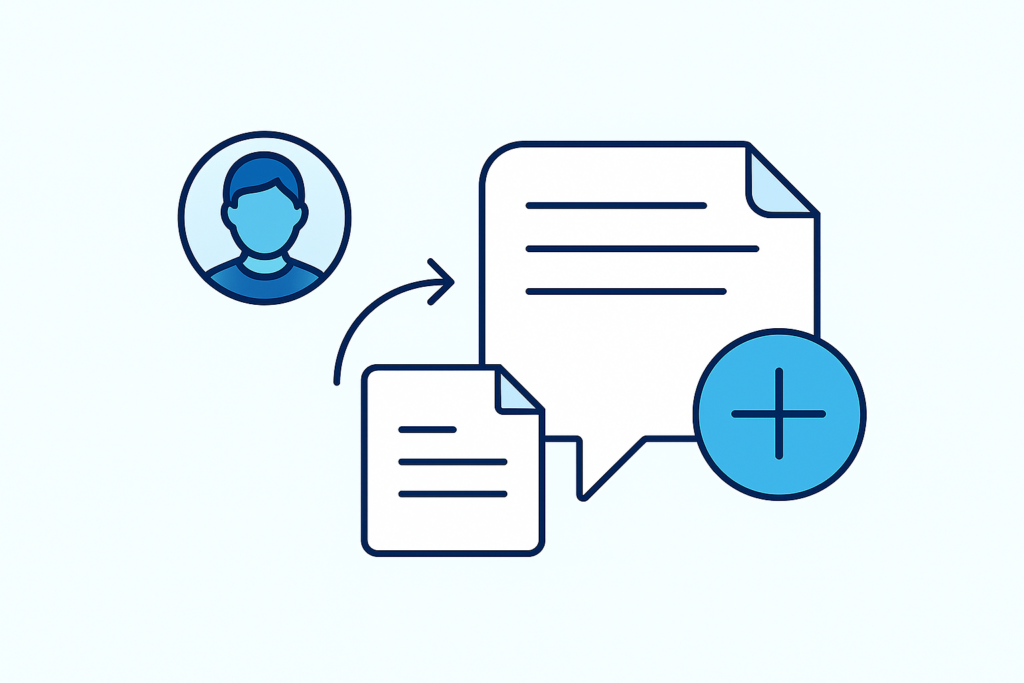
Patient Portal messaging has long been a cornerstone of patient engagement, but until now, only patients could attach documents to their messages. With this release, providers and staff can finally attach clinical documents directly when they send or reply to patient cases. This includes orders, results, medication lists, letters, and other relevant information.
Providers add attachments through a simple icon in the patient case workflow, and the system automatically merges them into a single PDF with a unique document ID. This enhancement reduces back‑and‑forth communication, consolidates information in one place, and allows patients to receive the materials they need quickly and securely. It’s a highly requested improvement that strengthens the bidirectional flow of information between patients and care teams.
Authorization Alerts for Upcoming Appointments
Managing authorizations can be time‑consuming, especially for therapy appointment series that rely on accurate tracking of approved visits. The Spring 2026 release introduces new alerts for expired or soon‑to‑expire authorizations directly within Quickview and the Eligibility and Phone List.
Staff can now:
- Filter appointments by authorization or referral status
- View remaining authorized visits and expiration dates
- Take proactive steps before claims are at risk
These alerts help practices stay ahead of authorization issues, reduce denials, and improve scheduling accuracy. Because the system reviews future scheduled appointments, staff gain better visibility into upcoming needs and can act before gaps occur.
AI‑Powered Fax Spam Filtering
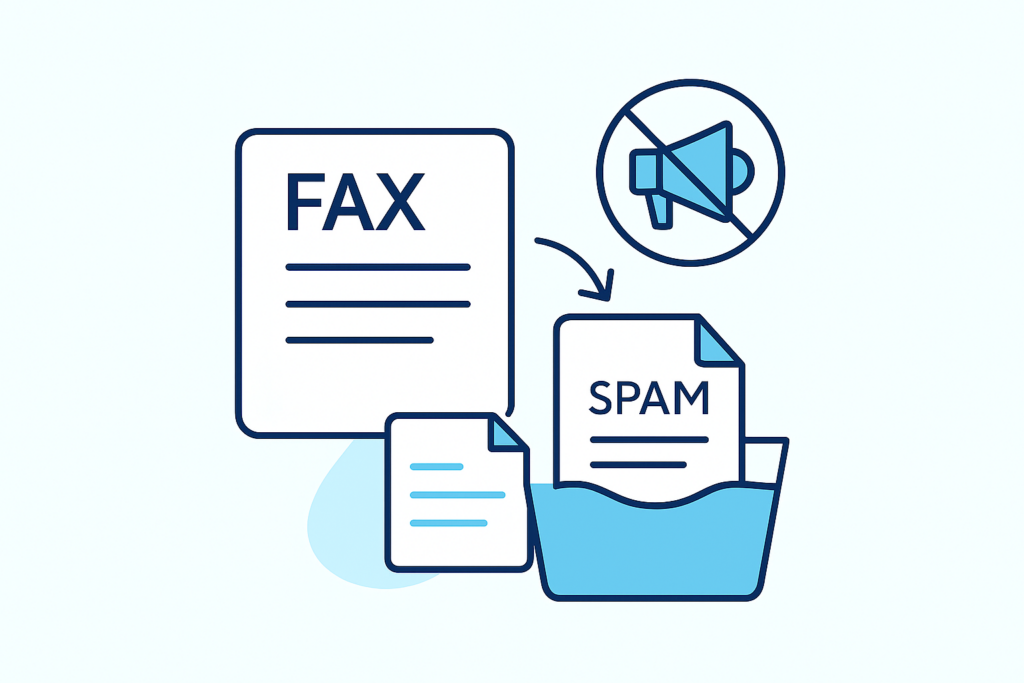
Incoming faxes often include advertisements or irrelevant content that clutter the Clinical Inbox and slow down document review. To address this, athenahealth now uses AI to automatically identify spam or promotional faxes and route them into a dedicated SPAMDOCUMENTS bucket.
This enhancement:
- Keeps clinical and administrative workflows focused
- Reduces time spent sorting through non‑clinical documents
- Allows staff to review misclassified items and reassign them as needed
The system displays all spam‑filtered faxes in the Admin / Phone Messages section of the SPAMDOCUMENTS bucket, ensuring transparency while maintaining a cleaner, more organized inbox.
Immediate, Multi‑Channel Appointment Confirmation Messages
Appointment confirmations are now delivered immediately after scheduling or rescheduling. No more waiting hours for the message to send. Even more importantly, confirmations now reach patients through email, text message, or push notification via the athenaPatient app, depending on their communication preferences.
These redesigned messages:
- Reduce no‑shows by delivering timely, actionable information
- Support self check‑in when enabled
- Include clear appointment details written out in full
- Offer links to reschedule, cancel, join a virtual visit, or add the appointment to a calendar
The updated templates are more readable, mobile‑friendly, and tailored to each patient or patient contact. Practices using ReminderCall will transition to the new confirmation format automatically, while those not using ReminderCall will see no change.
A Redesigned Patient Portal Documents Experience
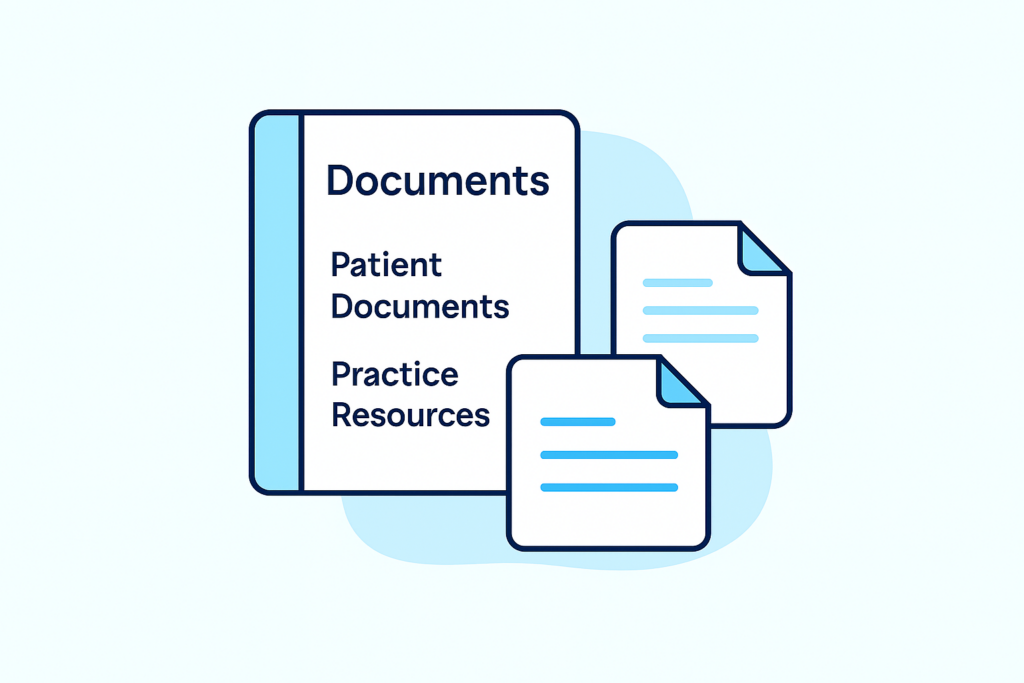
The Patient Portal’s Forms and Documents section has been renamed simply Documents and redesigned for clarity and ease of use. The Documents section now appears in the left‑panel menu and includes two sections:
- Patient Documents: Forms and documents sent directly to the patient, organized by month and year,
with clear sent‑on dates and sign‑off details.
- Practice Resources: General practice‑wide materials such as financial policies or health education documents.
Patients can preview documents, open them in a new tab, or use their device’s native sharing options. For multi‑file documents, each file is listed individually for easy access.
As part of this update, athenahealth removed the legacy digital signature functionality for Clinical Paper Forms due to limitations, especially for mobile users, who make up 75% of portal traffic. Practices should instead use the Patient Forms and Screeners on Demand workflow for collecting signatures outside of encounters.
Expanded Confidentiality Controls for Health Data Exchanges
Protecting patient privacy is a core responsibility for healthcare organizations. Previously, confidential chart information could be locked to hide it from patients and their family members. With this release, practices can now lock the same information and prevent it from being shared through select health information exchanges (HIEs).
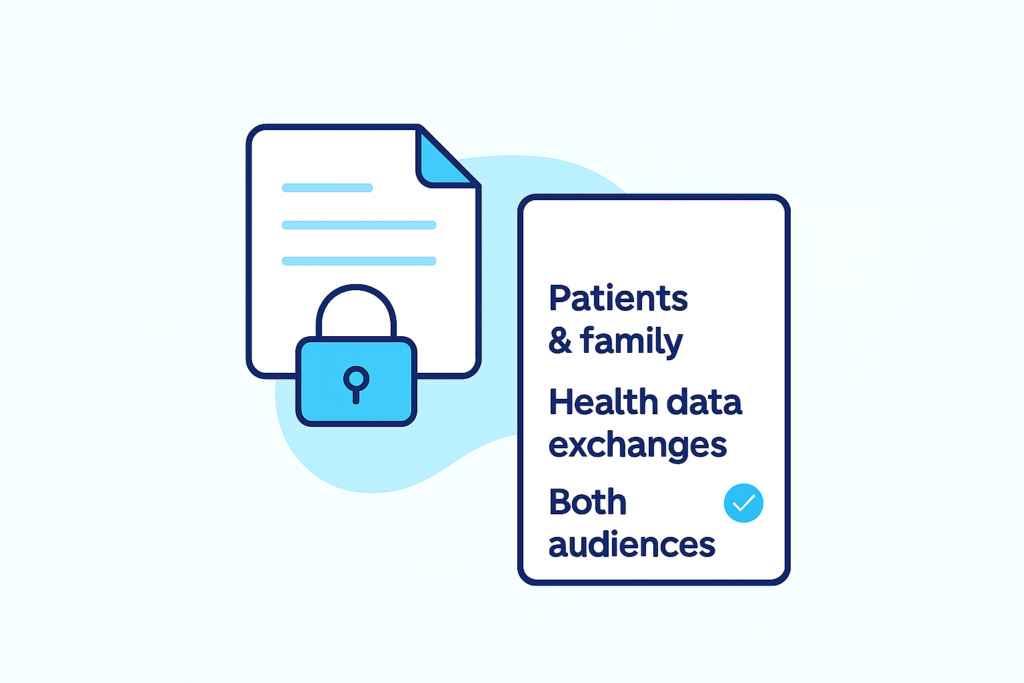
Providers and staff can mark diagnoses, orders, medications, results, and free‑text notes as confidential for:
- Patients & family
- Health data exchanges
- Both audiences
The system excludes confidential items from CCDAs and HL7 messages sent through supported HIEs. Summary views and Chart Export now clearly label confidential information, and the Confidential Clinical Patient Data report has been updated to show which audience each item is hidden from, who locked it, and why.
For HIEs that do not yet support confidential data filtering, practices can work with Integration Services to implement patient‑level or encounter‑level restrictions.
athenahealth’s Spring 2026 release brings meaningful improvements that help practices communicate more effectively, safeguard sensitive information, and operate with greater efficiency. These enhancements reflect ongoing collaboration with customers and a commitment to building tools that support high‑quality, patient‑centered care. Have a question on any of these new features? Feel free to reach out to us and we will be more than happy to help!