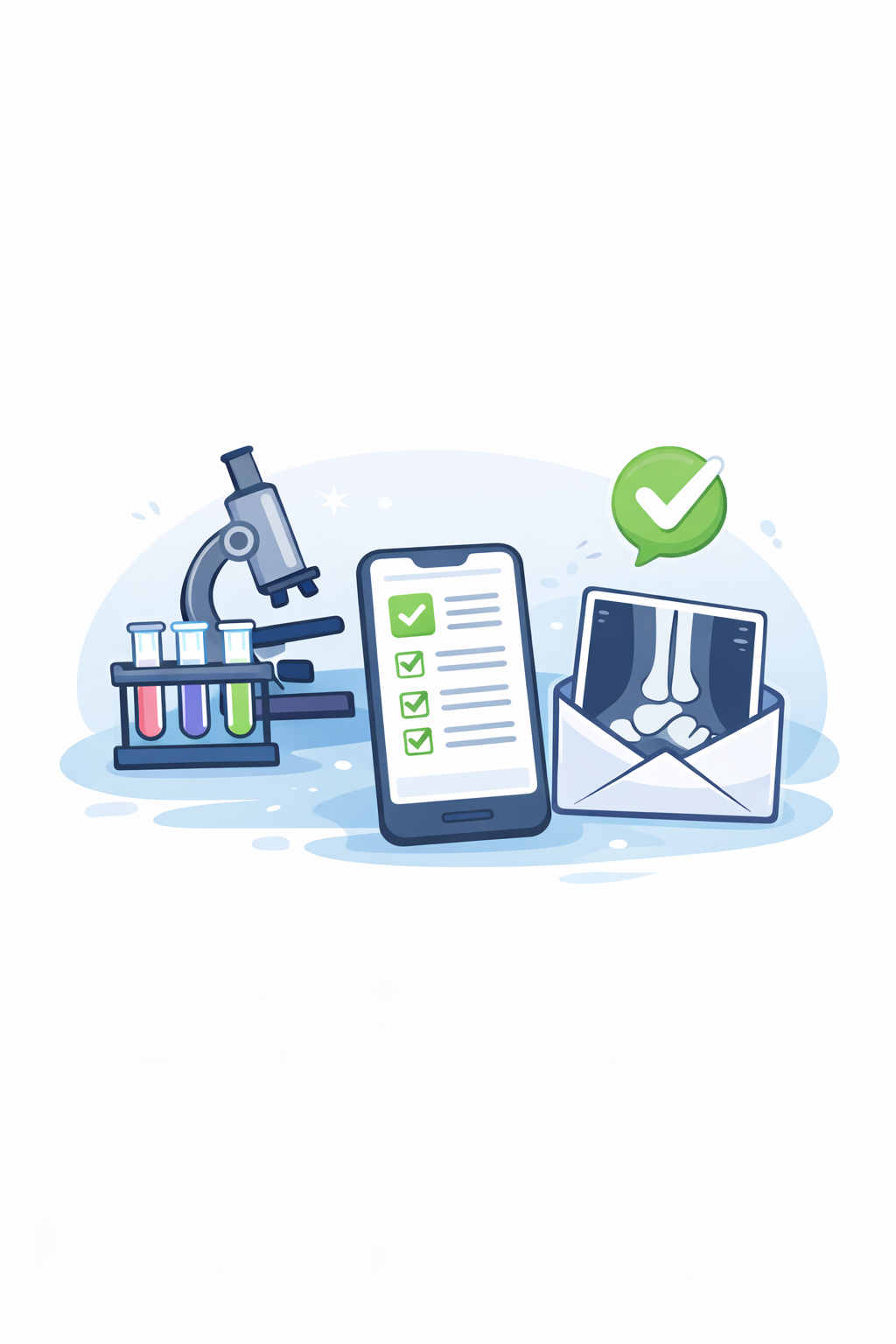
If one of your 2026 resolutions is to clean up your athenaOne Clinical Inbox and start the year with a fresh slate, you’re in the right place. Whether you’re reviewing in-house lab results or managing imaging reports from outside facilities, having clear workflows and best practices can make a big difference in inbox efficiency, patient safety, and provider satisfaction.
Below, we’ll walk through key best practices for managing lab and imaging results and notifications.
Point-of-Care Tests (POCT)
When ordering an in-house or point-of-care test (POCT), it’s important to ensure both the order task and the result task are fully completed. These tasks are created simultaneously when the test is ordered, and both must be addressed to prevent lingering documents in the Lab & Imaging bucket.
To fully close the order:
- The provider must sign off on the order
- The result task must include entered data (e.g., images, values, or findings).
Results can be entered either directly from the Clinical Inbox or within the patient encounter. A common issue we see is that the order is signed, but no result is entered. When this happens, the order remains stuck in a DATAENTRY status. Additionally, for a point-of-care test to auto-publish to the patient portal, the document must be in a CLOSED status, making result entry and closure especially important.
Incoming Results from External Facilities
Now let’s shift to lab and imaging results received from outside facilities.
When incoming documents are processed, the athenaClinicals Document Processing Service uses default task assignments to route results to the Clinical Inbox. By default, documents are assigned in REVIEW status to the provider whose name was data-entered on the document.
These results should be reviewed on a regular cadence to support:
- Patient safety
- Timely patient notification
- Overall patient satisfaction
If you find yourself frequently forwarding results to other providers or staff for review, it may be time to revisit your routing rules. Use the Task Assignment Override (TAO) page in Clinicals Admin to create custom routing rules tailored to your workflows, helping results land in the right inbox the first time. Check out our blog 10 Steps for Creating Task Assignment Override in athenahealth for more details on creating smooth workflows.
Document Labels & Tie-to-Order (TTO)
Another consideration, if your inbox is piling up with imaging results, is remembering the basics: all document classifications require a document label. When a tie-to-order (TTO) is available and linked to an open order, either automatically or manually, the document label is added automatically. If no tie-to-order exists, your practice must manually enter a document label.
The end goal here is to close the loop for that result. When an incoming result is tied to an order, reviewed, and closed by the provider, the loop is closed for that result. If your practice consistently gets results that didn’t tie to an order, you may need to revisit what your providers are ordering from labs and set up order sets and related configurations to ensure that results automatically tie back to the orders.
Do you need more information on this? Keep an eye out for our upcoming blog post on compendiums, or reach out to us directly with questions.
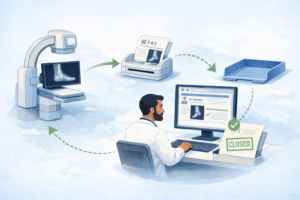
Example scenario: A provider orders an ankle X-ray at an outside facility. The results are faxed back to the practice and correctly tied to the original X-ray order. The provider reviews the result, notifies the patient, and closes the document, successfully closing the loop. If no follow-up imaging is needed, the workflow is complete, with no lingering tasks in the inbox.
Final Thoughts
Effectively managing lab and imaging results, both in-house and from external facilities, is essential for patient safety, timely communication, patient satisfaction, and overall inbox control. Small workflow adjustments can go a long way in creating a more manageable and efficient clinical inbox.
If this is something you’d like to explore further, schedule a strategy call with Ignite. We’d love to partner with you on your journey toward a cleaner, more manageable inbox.